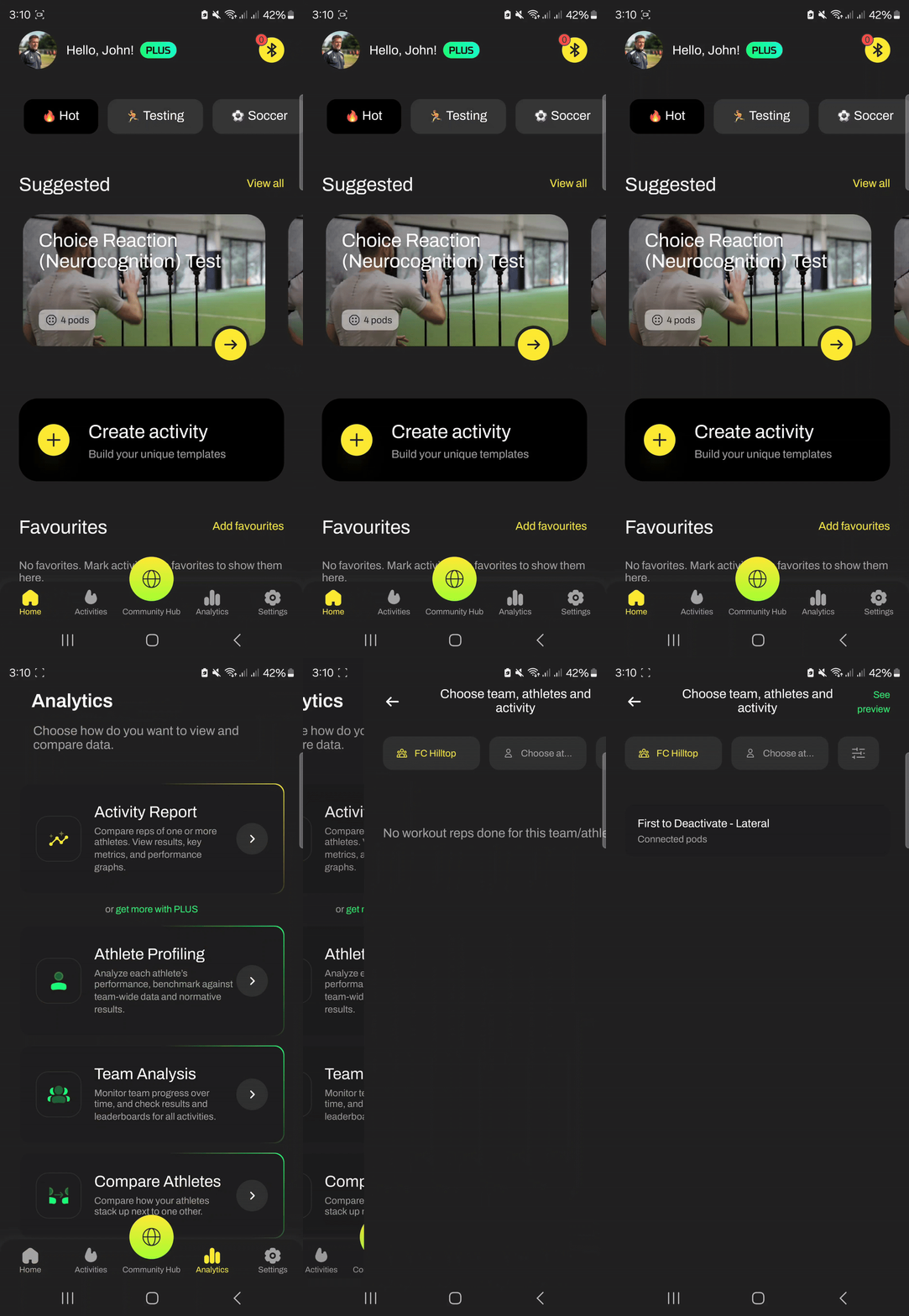
1) From the Home Page navigate to Analytics > Activity Report
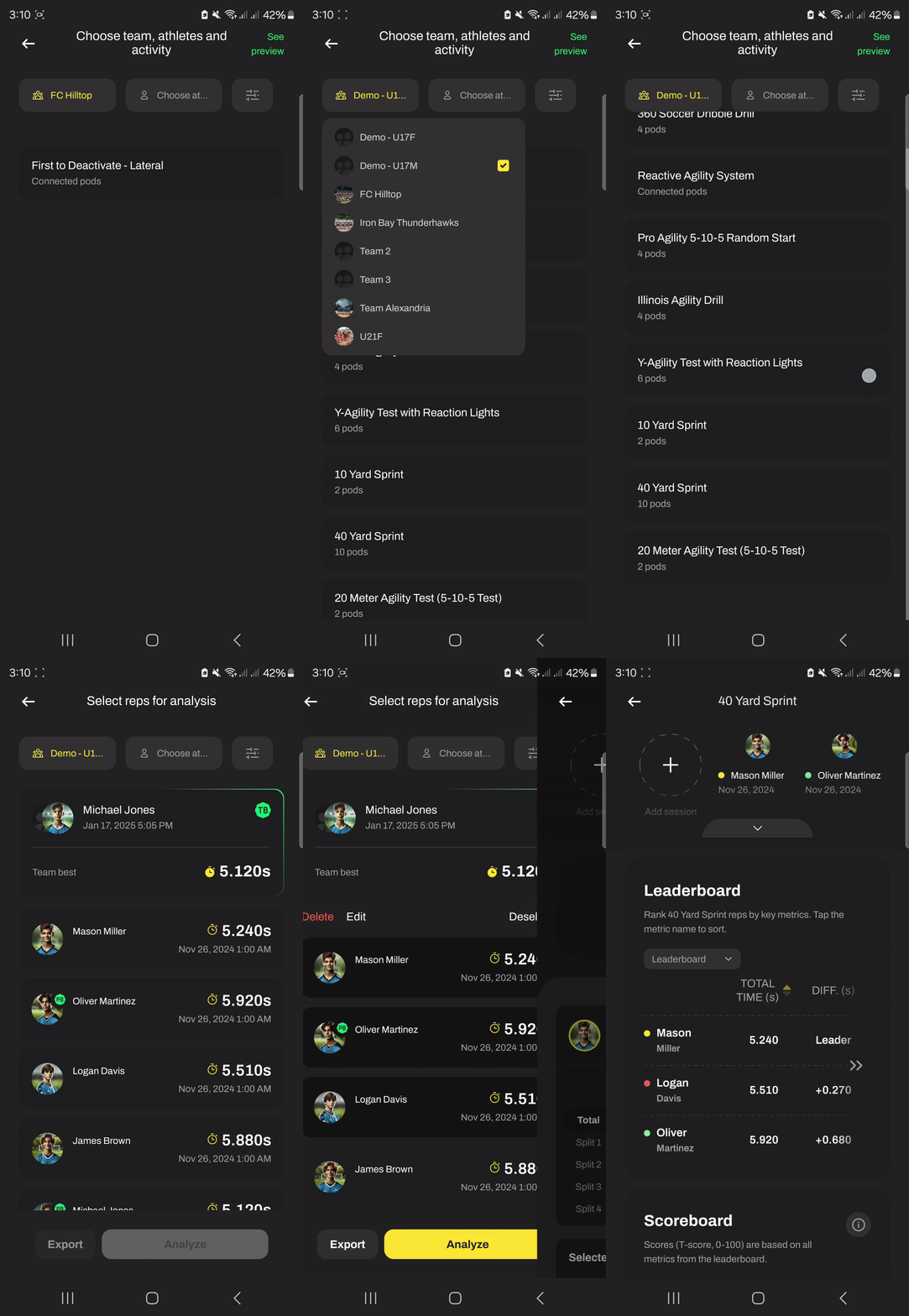
2) Choose team and the drill you want to see splits for, select reps, and press Analyze
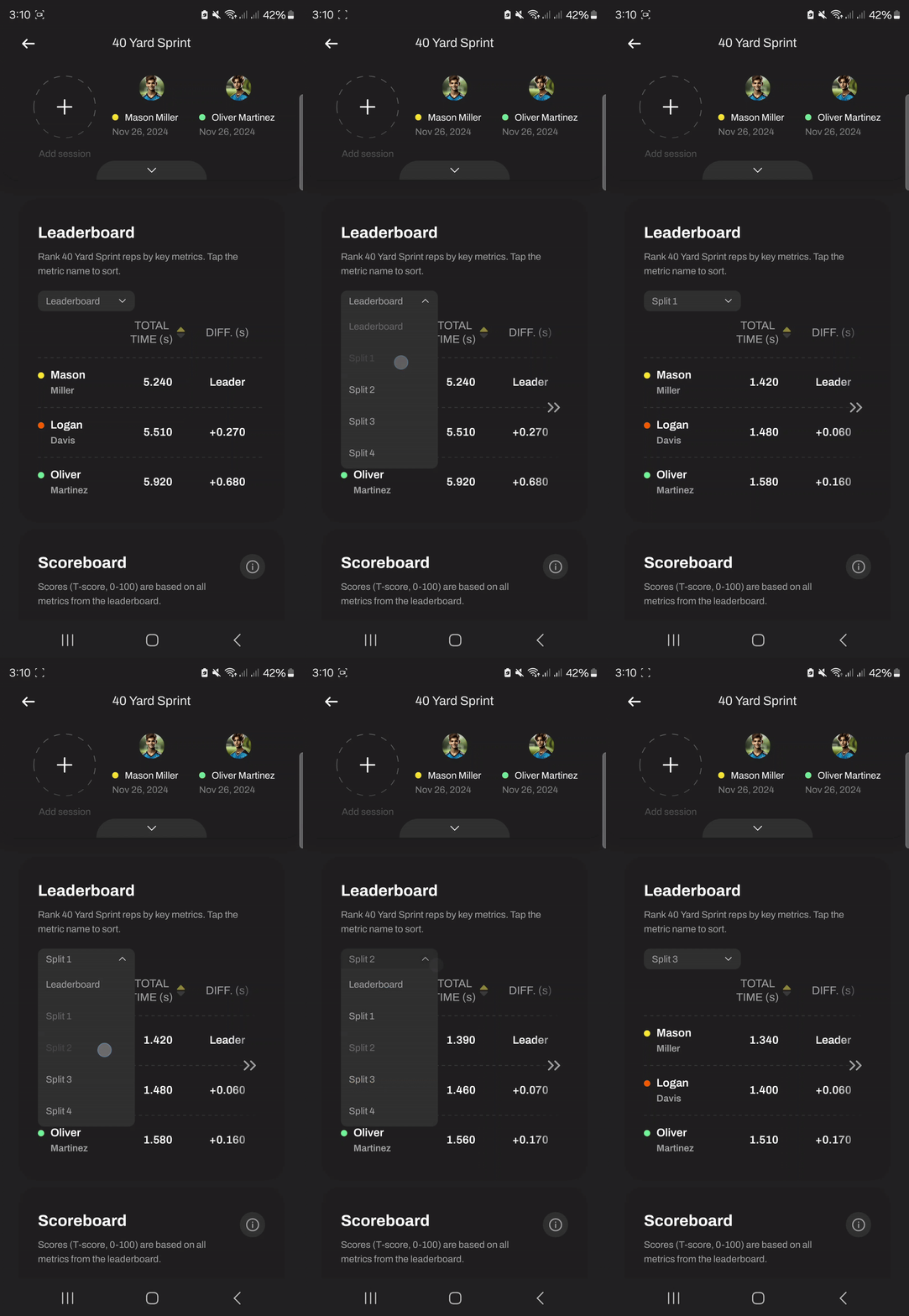
3) In the Leaderboard table, select the splits you’d like to view. The rankings will automatically update to reflect the selected split results.
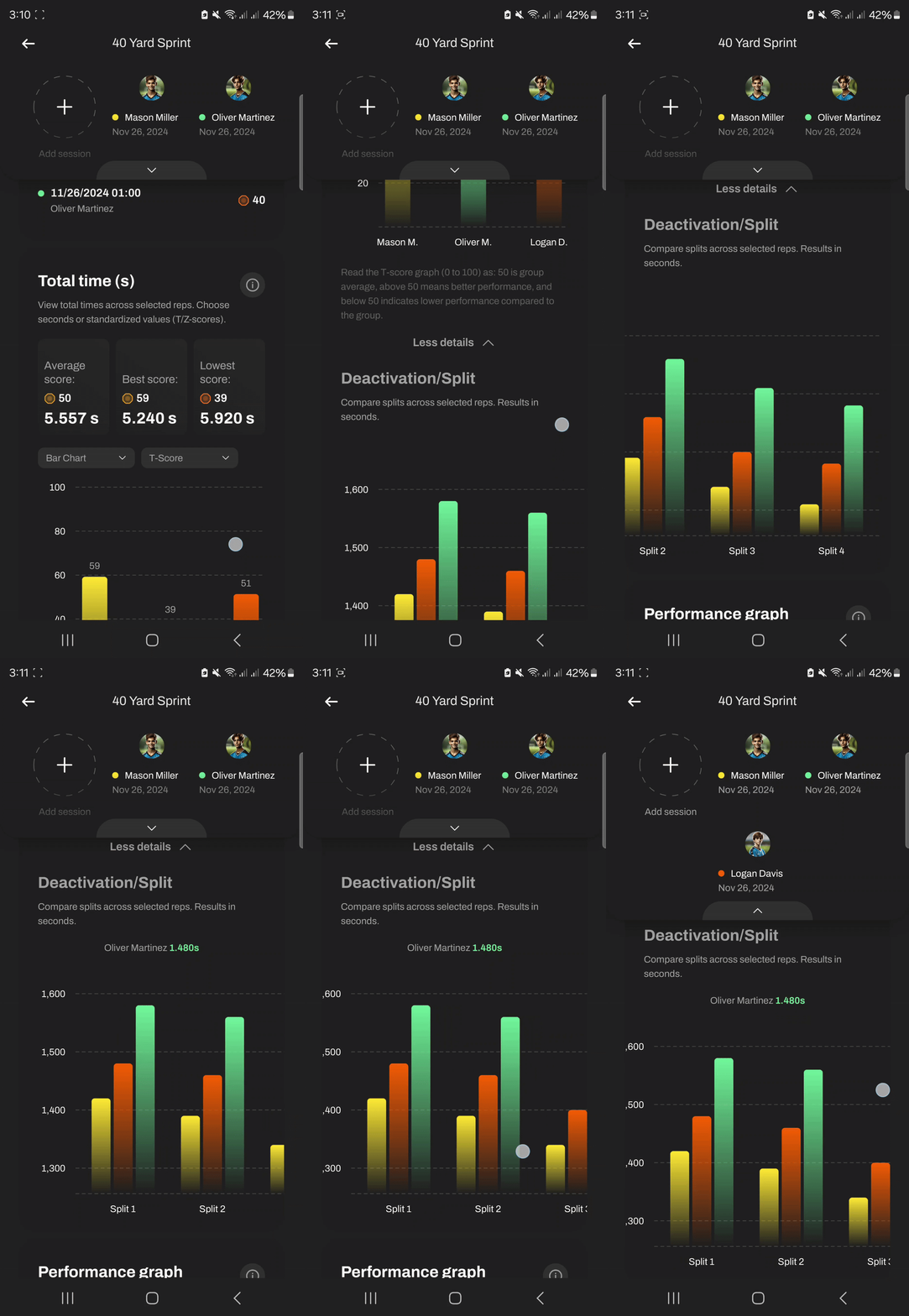
4) Or scroll down to Total time, or any other metrics section, and click "View more" to access a full visualization of all split metrics displayed as graphs.